Below is a step‑by‑step checklist that keeps your AI citation flow intact from the first line of code to the first 72 hours after launch.
Step 1: Build a Pre-Migration Visibility Baseline
First, capture where you stand. Export current rankings, traffic, and AI citation counts so you have a reference point.
Use a tool like Ahrefs or SEMrush to pull keyword positions and citation metrics. Record the numbers in a simple spreadsheet, one tab for organic ranks, another for AI citation hits.
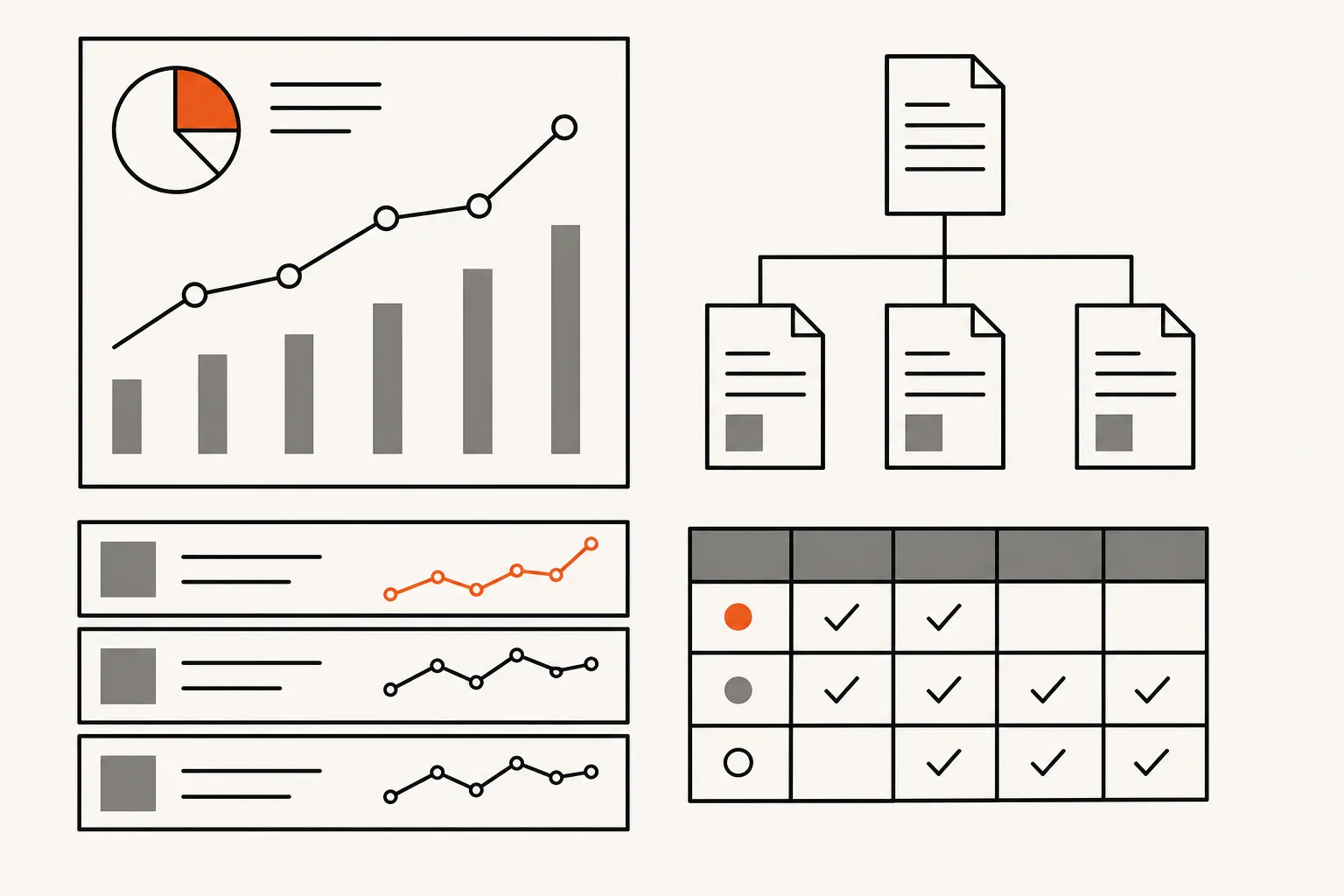
Next, pull a full analytics export. Include sessions, bounce rate, and conversion paths. This gives you a performance snapshot that you can compare against after launch.
Finally, run a site crawl to list every URL, title tag, meta description, and schema markup. AI citation audit checklist tools can automate the crawl and flag missing data.
By the end of this step you should have three artifacts: a ranking report, an analytics baseline, and a full URL inventory.
Step 2: Map Every URL, Redirect, and Canonical
Every page that moves needs a 301 redirect. Anything left without a redirect loses its link equity and its chance to be cited by AI engines.
Start with the URL inventory you created in Step 1. Tag each row with its new destination, the type of redirect (301 or 302), and the owner of the rule.
Verify that you’re using permanent 301 redirects for pages that are gone for good and only temporary 302s for short‑term swaps.
Check canonical tags on the new pages. A missing canonical can cause duplicate‑content warnings that confuse both Google and AI crawlers.
Once the map is complete, store it in a version‑controlled repo. That way you can roll back if a chain or loop appears after launch.
Step 3: Test the Staging Site Before Launch
Spin up a staging environment that mirrors production. The goal is to catch broken redirects, missing schema, and title‑tag gaps before real users see them.
Run a full crawl of the staging site. Compare the results against your baseline crawl. Any new 404s, missing meta data, or dropped schema items need fixing.
Validate AI‑specific signals. Make sure FAQPage and HowTo schema still exist, and that llms.txt (if you use it) points to the right content.
Ask a colleague to run a handful of real‑world queries in ChatGPT or Perplexity. If the brand no longer appears as a source, you’ve missed a citation‑critical signal.
When everything checks out, lock the staging build and prepare to push. AI search visibility checklist for SaaS offers a quick reference you can print for the launch day walk‑through.
By now you should have a fully vetted staging copy that mirrors the live site’s SEO and AI signals.
Step 4: Validate the Launch and First 72 Hours
Launch day is a sprint, not a marathon. As soon as the new site goes live, run a rapid‑fire crawl to confirm that every 301 fires correctly.
Check Google Search Console for coverage errors. Fix any “Submitted URL not indexed” warnings within the first hour.
Monitor AI citation dashboards (Ahrefs, SEMrush, or proprietary tools) for any sudden dip and review redirects and schema if one appears.
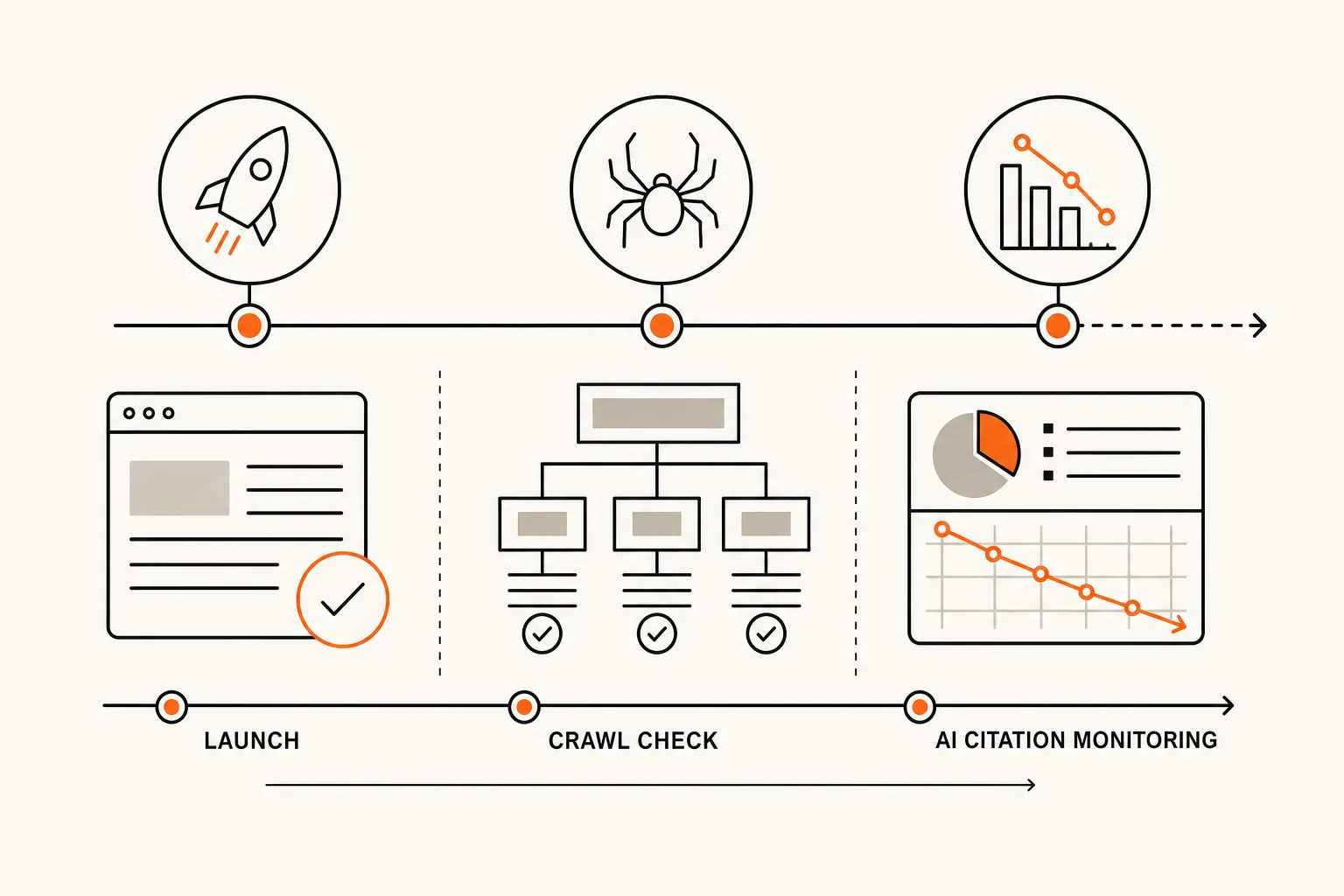
Run a quick spot‑check of high‑value pages: product pages, blog posts that earned backlinks, and any page that previously showed up in AI answers. Verify that the correct content shows and that the citation count remains stable.
After 72 hours you should see the crawl errors resolve and the citation dashboards flatten out.
Step 5: Diagnose and Recover the Citation Drop
If AI citations still dip after the initial stabilization period, dig into the data.
First, pull the post‑launch crawl report. Look for missing schema types, broken canonical tags, or pages that returned a 200 status but delivered empty content.
Second, compare the new citation report to the baseline you built in Step 1. Identify which URLs lost citations and why.
Third, audit internal links. A broken internal link chain can prevent crawlers from discovering citation‑worthy content.
Fix the identified issues, then submit an updated sitemap in Google Search Console. Give the crawlers a fresh map and watch the citation numbers climb.
For deeper analysis, review the structured-data documentation and record all existing structured data (schema markup) so it can be recreated on the new platform.
Finally, run a short‑term monitoring window (seven days) using the Optimitor method. The method ties citation changes back to specific SEO actions, so you can prove the fix worked.
By the end of this step you should have a clear picture of what caused the dip and a concrete plan that restores AI citation levels.
FAQ: AI Citation Drops After Website Migration
Why does my AI citation count fall after a migration?
The count drops when search engines or AI crawlers can’t find the signals they used before, usually because redirects are missing, schema was stripped, or canonical tags changed.
How quickly should I see citation numbers stabilize?
Most migrations see a steady state within 4‑6 weeks if redirects and schema are correct; a domain change can push it to 2‑3 months.
Do I need a special AI‑citation tool?
No. Tracking tools like Ahrefs or SEMrush already surface AI citation metrics alongside organic rankings.
What’s the most common mistake that causes a citation drop?
Skipping a full URL‑to‑URL redirect map and assuming 301s alone will protect AI visibility.
Can I recover lost citations on my own?
Yes, if you follow the checklist: fix redirects, restore schema, re‑submit sitemaps, and monitor the dashboards for improvement.
Should I involve an agency?
If the migration spans many pages or involves a domain change, an experienced SEO partner like Optimitor can audit the whole flow and accelerate recovery.
Ready to protect your AI citations? Start with the baseline audit and let Optimitor guide the rest of the migration.
Migrating soon?
Our private teardown captures where you get named today, so you have something real to compare against after launch.
Request the teardown ↗